
Overview #
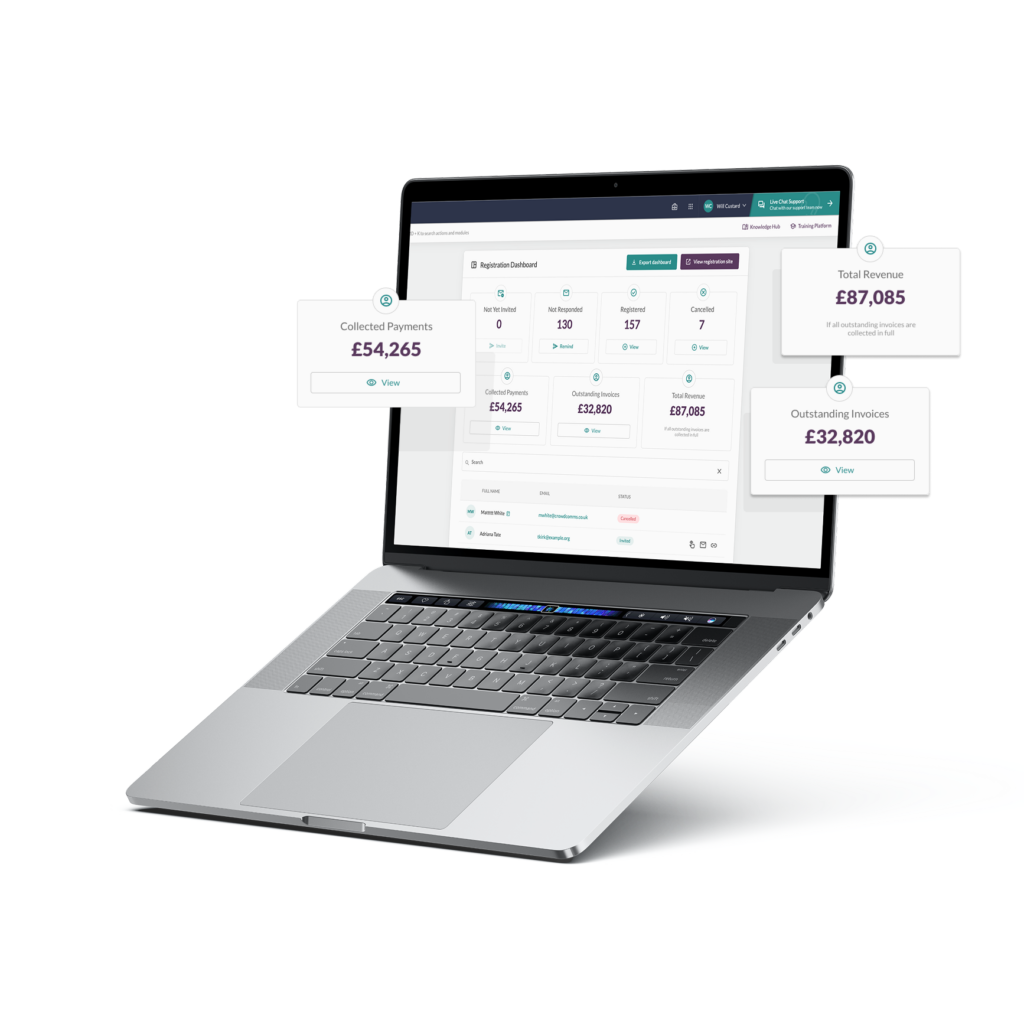
The Transactions page provides event administrators with a complete, searchable view of all financial activity recorded within their registration.
The Transaction Statistics Panel at the top provides a filter-aware summary of financial data based on the transactions currently displayed. It shows income from payments collected, the total value of outstanding invoices, total refunds manually issued, and total anticipated revenue once all invoices are paid.
Figures update in line with applied filters (including date) and reflect CMS changes such as refunds and payment updates. Totals exclude payment provider fees, as noted in the disclaimer.
From this page, admins can see every transaction in one consolidated table, including key details such as the customer name, transaction total, payment type (e.g., Stripe, Square, or Invoice) and the payment status.
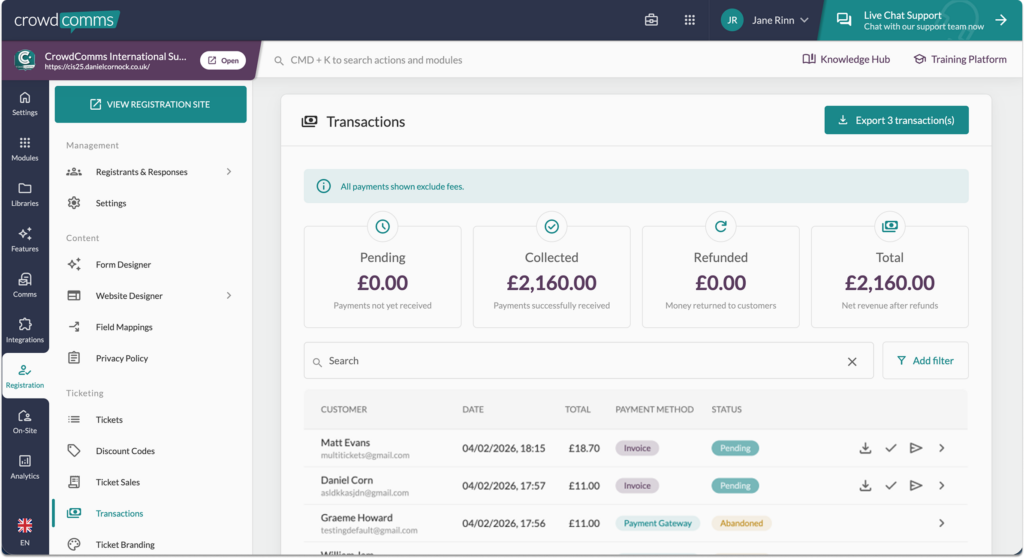
The table includes filtering tools, allowing admins to refine results by payment type, transaction status, and date, as well as search by customer name, additional columns are also available so you can include discount codes used, subtotal and the tax applied.
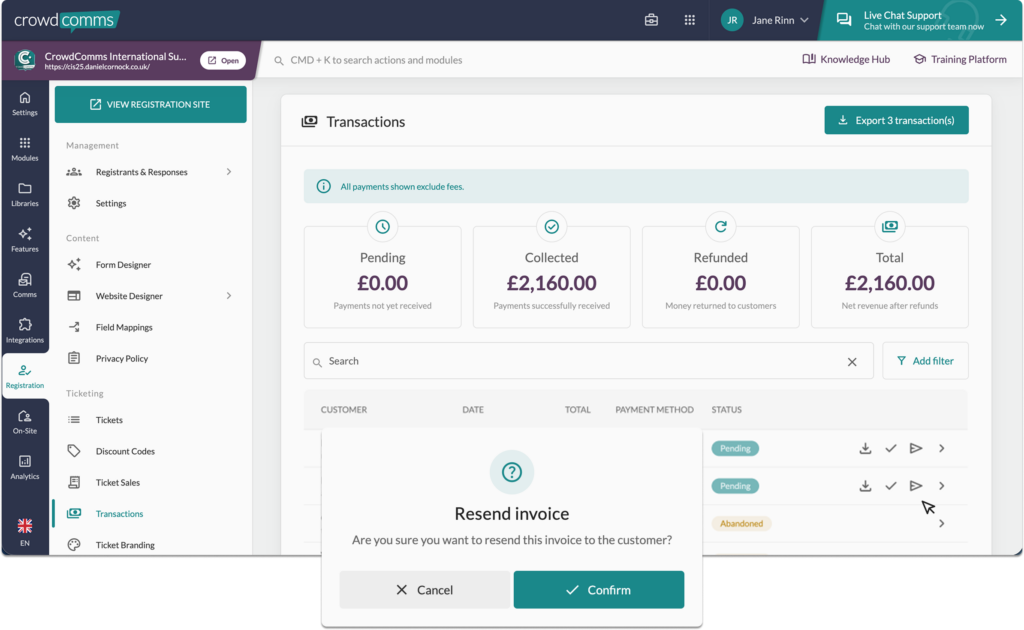
For invoice-based transactions, additional management actions are available directly from the list. Admins can update invoice statuses (pending, paid, cancelled), export individual invoice PDFs, and re-send invoice emails.
A bulk export option is available in the top right corner, allowing admins to export all visible records based on the selected filters.
This feature ensures admins have full visibility and control over transaction records, while invoice-related payment tracking and status management can be handled efficiently within the platform.
Please Note #
- Tracking payments and processing refunds must be handled entirely by the event organiser using their own banking systems. This invoicing solution is fully manual and does not include integrated payment or refund management features.
- For group registrations the guest tickets will have a status of confirmed and will not have the ability to be marked as paid, only the lead registrant will be able to be set to the paid status.


