Most event app drop-off happens before the opening keynote. Here are the UX failures causing it and what seamless, branded attendee experiences actually look like.

You’ve invested in an event app. You’ve briefed the team, set up the agenda, loaded the sponsors. Attendees get the download link two weeks before the event. On the day, you check the analytics and find that fewer than half of them ever opened it.
This is not a marketing problem. It’s a UX problem. And it’s far more common than most agencies, corporate event teams, and PCOs would like to admit.
The good news: most event app drop-off is fixable. But only if you know where it’s happening. Here’s a breakdown of the most common failures and what a genuinely seamless attendee app experience looks like in practice.
Why do attendees abandon event apps before the event starts?
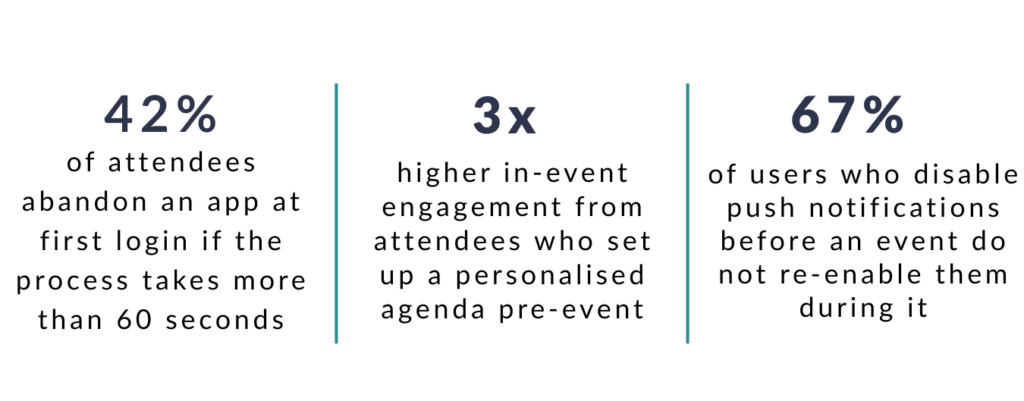
Most event app abandonment happens at the activation stage, not during the event itself. Attendees who encounter friction at the point of first login — a confusing authentication step, a generic-looking interface, or no immediate reason to engage — close the app and rarely return.
The window between receiving a download link and the event opening is the most critical period in the attendee app journey. If an attendee does not log in, build their agenda, and find something useful in that window, you have likely lost them as an app user for the entire event.
For agencies delivering branded experiences on behalf of clients, this matters doubly. A low app adoption rate reflects directly on the event’s perceived quality and makes post-event ROI reporting significantly harder.
“If an attendee has to work to access your app, you have already failed the first test of attendee experience design.”
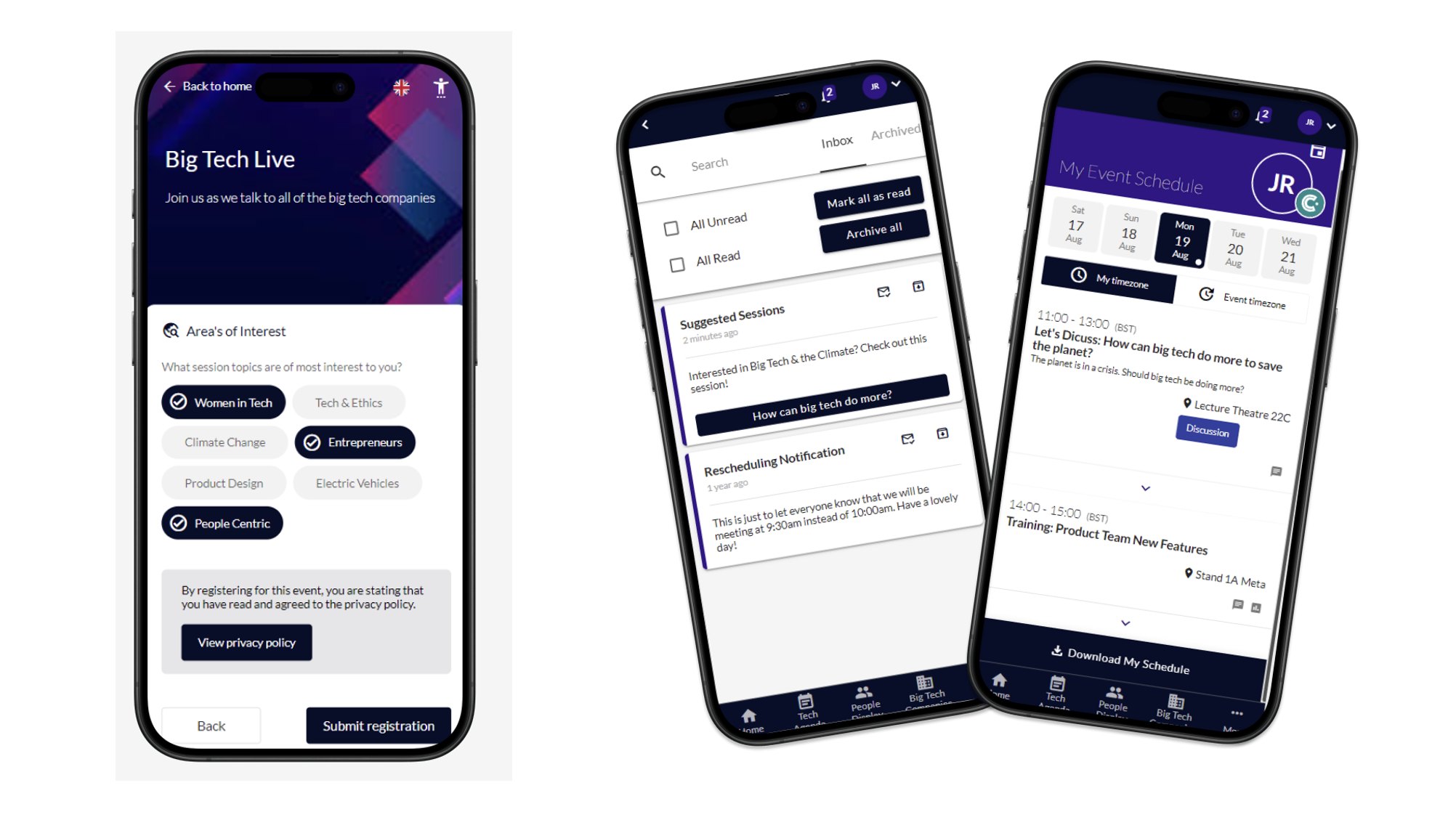
What makes event app login flows fail?
The single biggest cause of login abandonment is asking attendees to create or remember a password. Most event attendees are accessing your app on a work device, under time pressure, having received a generic email days earlier that they have half-forgotten. A traditional username and password flow fails this user every time.
The most common login failures in event apps are:
COMMON LOGIN FAILURES
Password creation at first login: Adds unnecessary friction and creates a drop-off point before attendees see any value
Separate event platform credentials: Attendees do not remember logins from a previous edition of the same event
No connection to registration data: Attendees have to manually re-enter information they already provided when they registered
Broken or delayed magic links: One-click login emails that arrive late, expire too quickly, or land in spam
No mobile optimisation: Login screens designed for desktop that are difficult to navigate on a phone at a registration desk
The fix is a frictionless authentication flow that connects directly to your registration data. Attendees should receive a single-click access link that logs them in, pre-populates their profile, and drops them into a personalised home screen. No passwords. No manual input. No searching for a confirmation email from two weeks ago.
Why does poor event app personalisation damage attendee experience?
A generic app home screen tells every attendee the same story, which is no story at all. When a delegate opens your event app and sees the full, unfiltered agenda alongside content and sponsors entirely irrelevant to their role or track, they experience the app as noise rather than value.
Personalisation in an event app is not a luxury feature. It is the primary mechanism for making the app feel worth opening in the first place. For event professionals, agencies and PCOs delivering complex, multi-track programmes, personalisation is also the clearest demonstration of production value.
What effective event app personalisation looks like:
- Pre-built personal agenda: Sessions the attendee pre-registered for are already saved when they log in for the first time
- Role or track-based content filtering: The agenda view defaults to sessions relevant to the attendee’s profile, track, or job function
- Networking recommendations: Suggested connections based on shared interests, industry, or session attendance
- Sponsor and exhibitor relevance: Exhibitor listings surfaced based on the attendee’s stated interests, not alphabetical order
- Targeted alerts: Session reminders for sessions they have bookmarked, not broadcast notifications for the entire programme
“Personalisation is what separates an event app from a digital brochure. One is a tool. The other is a placeholder.”
How do push notifications do more harm than good?
Badly timed and generic push notifications are one of the fastest ways to lose an attendee’s engagement entirely. An attendee who receives five irrelevant notifications in the week before your event will disable them before they arrive, meaning you cannot reach them with genuinely critical updates during the event itself.
The most damaging notification patterns event teams fall into:
PUSH NOTIFICATION ANTI-PATTERNS
- Broadcast notifications sent to all attendees: “Don’t forget, the event starts in 3 days!” is not targeted communication. It is noise.
- Too many notifications in the pre-event period: Attendees are not thinking about your event the moment they download the app. Over-communicating in this window trains them to ignore alerts.
- Notifications sent during competing sessions: Alerting all attendees to a sponsored session while many are in a breakout they already chose is disruptive and ineffective.
- Notifications with no relevance to the attendee’s profile or agenda: A delegate attending a technology track does not need a push notification about a catering update in the hospitality zone.
The rule for push notifications is simple: every notification should be relevant, timely, and useful to the specific person receiving it. Anything that does not meet all three criteria should not be sent.
What does a branded event app actually mean?
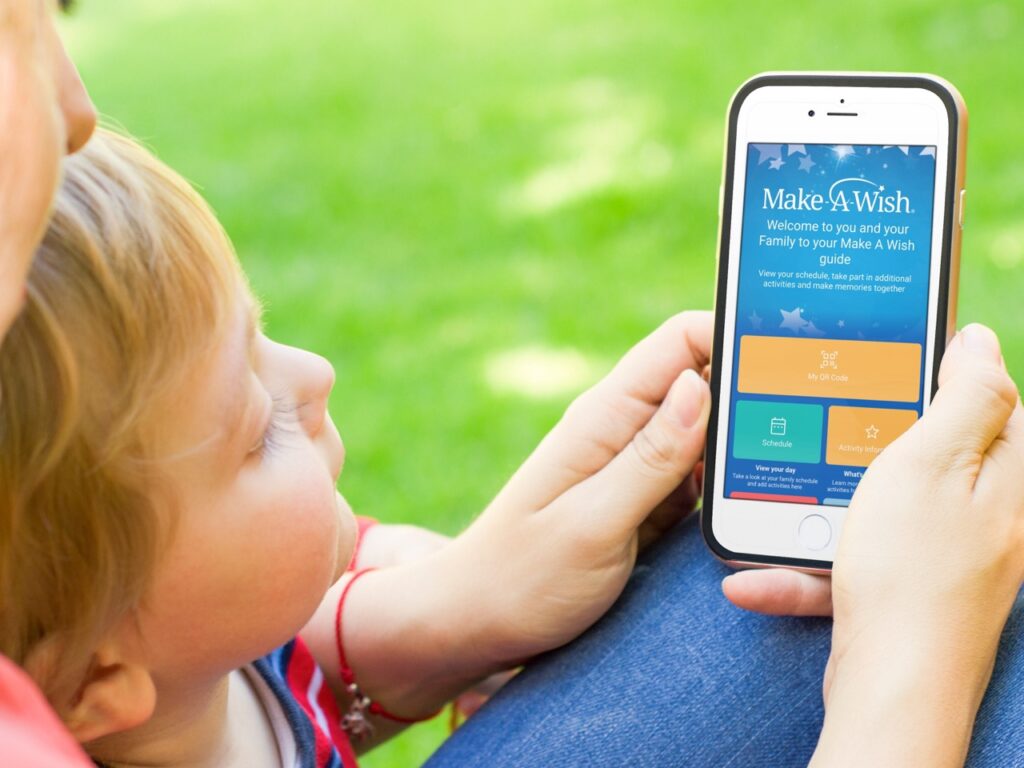
A branded event app is not a logo on a white background. It is a fully cohesive digital environment that reflects the visual identity, tone, and quality of the event itself. When an attendee opens the app, it should feel like a natural extension of the event’s registration experience, website, and on-site signage.
For agencies and PCOs running events on behalf of clients, the branded app is often the first interaction an attendee has with the event experience. A white-label interface with the client’s logo dropped in signals low production value, regardless of how well the event itself is run.
A properly branded event app includes:
- Custom colour palette and typography: Matching the event’s visual guidelines, not a default theme
- Branded splash and loading screens: The first impression of the app should be intentional, not generic
- Custom navigation labels: “Agenda”, “Connect”, “Explore” instead of generic platform defaults
- Client or sponsor logo integration: Applied consistently throughout, not only on the home screen
- Branded push notifications: Sent from the event name, not the platform provider’s name
How do you measure event app adoption rates?
Event app adoption is measured as the percentage of registered attendees who log in and actively use the app, typically defined as completing at least one meaningful action beyond login. A meaningful action includes building or viewing a personal agenda, sending a connection request, participating in a poll, or accessing session content.
Adoption benchmarks vary by event type, but as a general framework:
- Under 40% active users: Indicates a login or onboarding problem, not an engagement problem. The app experience is creating friction before attendees see any value.
- 40 to 65% active users: Typical for events without a pre-event engagement strategy. Usable, but significant headroom.
- 65 to 80% active users: Achievable with a personalised onboarding flow and targeted pre-event communications.
- Above 80% active users: Indicates a mature event app strategy with frictionless login, personalisation, and a well-planned pre-event campaign.
For agencies and corporate event teams reporting to clients or senior stakeholders, app adoption rate is one of the most useful proxies for overall event engagement quality. It is also the most direct signal that your event technology investment is working.
What does good event app onboarding actually look like?
Good event app onboarding is invisible. The attendee should be in a personalised, useful experience within thirty seconds of opening the app for the first time, without having to make a single decision about their own setup.
The sequence that drives high adoption:
HIGH-ADOPTION ONBOARDING FLOW
- Step 1 — Single-click access: Attendee receives a magic link from their registration email. One click logs them in directly, no password required.
- Step 2 — Profile pre-population: Name, job title, organisation, and photo (where provided) are already loaded from registration data. Nothing to fill in.
- Step 3 — Agenda pre-built: Sessions they pre-registered for are already in their personal agenda. They see their event, not everyone’s event.
- Step 4 — One contextual action prompt: A single, relevant suggestion: “You have three networking matches. View your recommendations.” Not a full feature tour.
- Step 5 — Notification opt-in at the right moment: Notification permission requested after the attendee has experienced value, not at the point of first login.
The pre-event communication strategy matters as much as the app itself. Attendees who understand why the app is worth downloading before the event open at significantly higher rates. A single email explaining three specific things the app does for them (“your personal agenda is already built”, “you can message other attendees directly”, “session recordings will be available here after the event”) outperforms a generic “download our app” reminder every time.
How does CrowdComms approach event app UX?
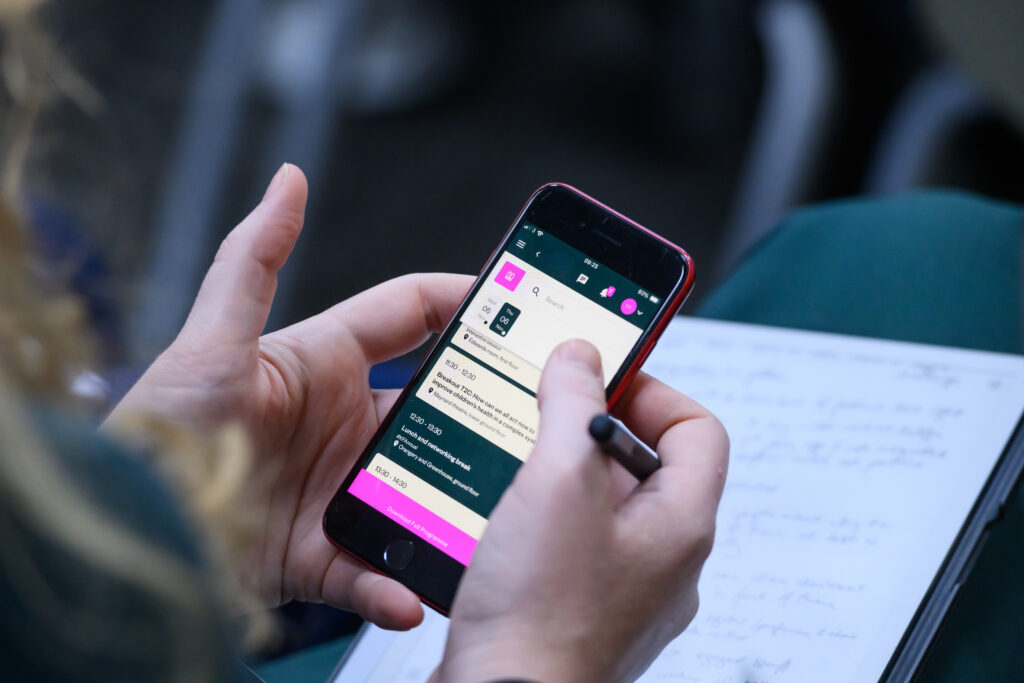
CrowdComms is built on the principle that the technology should disappear and the experience should remain. Every UX decision in the CrowdComms platform starts from the attendee’s perspective, not the platform’s feature set.
For agencies, corporates and PCOs running events where the attendee experience is a direct reflection of the brand, that means:
- Magic link authentication: Frictionless, one-click login connected directly to your registration data. No new passwords, no manual setup.
- Full white-label branding: Custom colours, typography, imagery, and navigation labels. The app looks and feels like your event, not like a third-party platform.
- Personalised home screen on first login: Pre-built agenda, networking recommendations, and relevant content ready before the attendee does anything.
- Targeted push notifications: Segment by session, track, role, or any attendee attribute. No broadcast noise.
- Real-time adoption analytics: Live dashboards showing login rate, active users, session engagement, and notification open rates, so you can act on low adoption before the event opens.
The result is event app adoption rates that consistently outperform industry averages, and post-event reports that tell a clear engagement story, rather than starting with an apology for low app usage.
Event app readiness checklist
Use this before your next event opens. If you cannot tick all eight, you have a UX risk that will show up in your post-event analytics.
PRE-EVENT APP READINESS CHECKLIST
- Does the login flow use magic link or SSO authentication? No password required.
- Are attendee profiles pre-populated from registration data on first login?
- Are pre-registered sessions already showing in each attendee’s personal agenda?
- Does the app reflect the event’s full visual brand identity, not a default platform theme?
- Has a pre-event email campaign explained three specific things attendees can do in the app?
- Are push notifications segmented by track, session, or attendee attribute rather than broadcast to all?
- Has the notification opt-in been tested so it appears after the attendee has experienced value, not at first login?
- Is there a live dashboard in place to monitor login rates and active users before the event opens?
Talk to the team
Frequently Asked Questions
A mobile event app is a mobile or web-based application that supports event attendees with agendas, engagement tools, content, notifications and interaction.
The best event app depends on your goals. For engagement-led events, specialist mobile event apps often outperform all-in-one platforms.
Attendees use event apps that are intuitive, interactive and relevant to their experience. Are event apps dead? Definitely not. Read or watch our 2025 Event Advice on event apps.
Yes, modern event platforms support in-person, hybrid and virtual attendees through mobile and web-based access.
Related Articles:
Event attendance tracking has rapidly evolved from a simple headcount to one of the most