
Event registration software is often misunderstood. Many people think of it as a simple online form that collects names, email addresses and dietary requirements. But a registration form is not the same as a registration journey, and a form alone is not an event registration platform.
A form captures data. A full event registration journey manages the entire process around that data. It handles ticketing, payments, conditional logic, attendee communications, CRM updates, reporting, approvals, substitutions, onsite check-in and post-event insight. In other words, good event registration software does not just help people sign up. It helps organisers run better events.
This distinction matters because registration is one of the first major touchpoints an attendee has with your event. If the process feels clunky, confusing or disconnected, it can damage trust before the event has even started. If the process is smooth, personalised and professional, it builds confidence and reduces operational pressure on your team.
So, what features should event registration software include? Below is a full breakdown of the capabilities to look for when choosing an event registration platform.
1. Customisable event registration forms
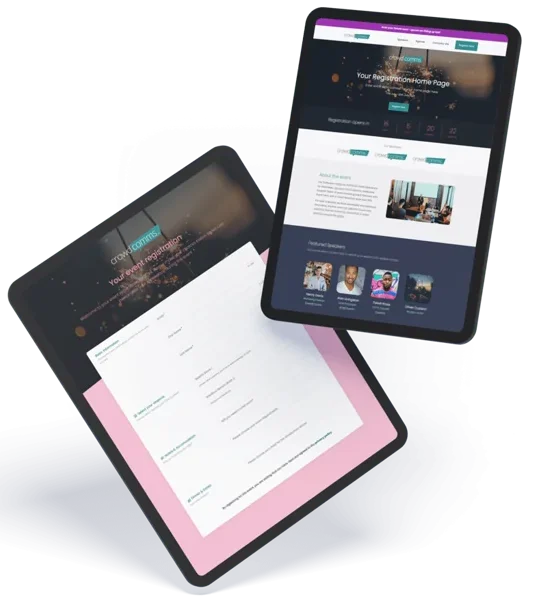
A strong event registration platform should start with flexible registration forms. However, the form itself is only the entry point. It needs to collect the right information in the right way, without overwhelming the attendee.
At a basic level, your event registration software should allow you to capture attendee names, job titles, company details, email addresses, phone numbers and preferences. It should also support custom fields, so you can ask questions specific to your event, such as session choices, accessibility needs, dietary requirements, travel plans or membership numbers.
The key is flexibility. A corporate conference, awards dinner, training course, exhibition and internal company event will all need different registration questions. Your software should not force every event into the same structure.
Good registration forms should also be brandable. Attendees should feel like they are registering directly with your organisation or event, not being pushed through a generic third-party system. That means custom logos, colours, fonts, imagery and messaging. The registration experience should look and feel consistent with the event website, email campaigns and wider brand.
Mobile optimisation is also essential. Many attendees will register from a phone, especially if they are clicking through from email or social media. A registration form that is difficult to complete on mobile will increase drop-off and reduce conversions.
2. A complete registration Journey, not just a form
The biggest mistake organisers make is focusing only on the registration form. A form captures the initial data, but the registration journey includes everything that happens before, during and after that submission.
For example, what happens when someone selects a certain ticket type? Are they shown different questions? Are they routed to a payment page? Are they added to a waiting list? Do they receive a personalised confirmation email? Does their data sync automatically to your CRM? Can they update their details later?
These are all part of the registration journey.
Event registration software should allow you to design this journey from start to finish. That includes the landing page, registration questions, ticket selection, payment process, confirmation screen, automated emails, calendar invites, reminder messages, attendee updates and onsite check-in.
A form is static. A journey is dynamic. A proper event registration platform should guide attendees through the right path depending on who they are, what they choose and what actions they need to complete.
This is especially important for complex events. Multi-day conferences, hosted buyer programmes, VIP events, association meetings and paid training courses often need different experiences for different audiences. Speakers, sponsors, exhibitors, delegates, staff and press may all need to register, but they should not all see the same journey.
3. Conditional logic and personalisation
One of the most valuable features in event registration software is conditional logic. This allows the platform to show or hide questions, ticket types, sessions or messages based on an attendee’s previous answers.
For example, if someone selects “I have accessibility requirements”, the form can reveal a follow-up question asking for more detail. If someone chooses a VIP ticket, they can be shown exclusive session options. If an attendee says they are attending the networking dinner, they can be asked for dietary requirements. If they are not attending the dinner, those questions can be hidden.
This makes the experience cleaner for attendees and more useful for organisers. Instead of forcing everyone through a long, generic form, conditional logic keeps registration relevant.
Personalisation can also improve conversion rates. Returning attendees might be greeted differently from new attendees. Members might see different pricing from non-members. Internal staff might bypass payment pages. Sponsors might be routed to exhibitor-specific questions.
The more advanced your event, the more important this becomes. Without conditional logic, registration forms quickly become messy, long and frustrating. With it, the registration journey feels intelligent and efficient.
4. Ticketing, pricing and payment features
If your event involves paid attendance, ticketing and payments are essential features of your event registration software.
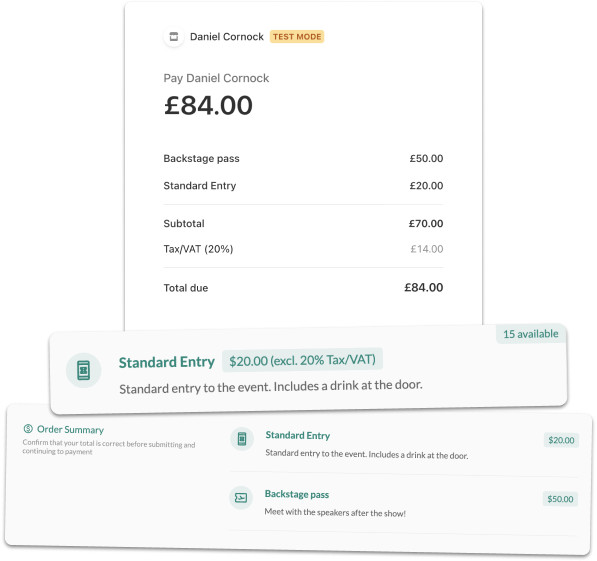
The platform should allow you to create different ticket types, such as early bird tickets, standard tickets, VIP passes, group bookings, member rates, student tickets or exhibitor passes. It should also support ticket limits, sales windows and availability rules. For example, you may want early bird pricing to end on a certain date, or VIP tickets to be limited to 50 places.
Payment processing should be simple and secure. Attendees should be able to pay by card, invoice or other accepted payment methods, depending on your event model. The platform should issue receipts or invoices automatically and update attendee records once payment has been completed.
Discount codes and promotional codes are also important. You may need codes for sponsors, partners, speakers, staff, loyal customers or marketing campaigns. Good event registration software should let you control how codes are used, including expiry dates, usage limits and ticket-specific discounts.
For B2B events, group registration is another valuable feature. Companies may want to register several employees at once, and the process should be easy for one person to complete on behalf of a group. The organiser should then be able to view, manage and report on those attendees individually.
A poor payment or ticketing process creates friction at the exact moment someone is ready to commit. A smooth process helps protect revenue and reduce abandoned registrations.
5. CRM, marketing and data integrations
Event registration data is only useful if it can flow to the right places. That is why integration capability is one of the most important features to look for in an event registration platform.
Your event registration software should connect with your CRM, email marketing platform, marketing automation system, membership database or internal reporting tools. This prevents your team from manually exporting spreadsheets, cleaning data and uploading lists between systems.
For example, when someone registers for an event, their details could automatically update in your CRM. Their attendance status could trigger a marketing workflow. Their ticket type could define which email sequence they receive. Their session selections could help your sales or customer success team understand their interests.
This matters because event data is valuable. It tells you who is engaging with your brand, what topics they care about, which campaigns are converting and how attendees move through the event lifecycle.
Without integrations, event registration becomes isolated. Your team may still collect data, but it becomes trapped in one system. With integrations, registration becomes part of a wider marketing, sales and customer engagement strategy.
When assessing software, look carefully at the available integrations. Also consider whether the platform supports APIs, webhooks or custom integrations if your organisation uses specialist tools.
6. Automated attendee communications
Registration does not end when someone clicks submit. Attendees need clear communication before the event, and event organisers need a reliable way to send it.
Good event registration software should include automated emails and attendee messaging. This usually starts with a confirmation email, but it should go much further.
You may need to send payment confirmations, joining instructions, calendar invites, reminder emails, travel information, session updates, venue details, QR codes, badge collection instructions or post-event surveys. The platform should allow you to send these messages based on attendee type, registration status, ticket type, session choice or payment status.
Automation reduces manual work and lowers the risk of mistakes. Instead of your team sending individual emails or managing multiple lists, the software can trigger the right message at the right time.
Personalisation is also important. Emails should include the attendee’s name, event details, selected sessions and any relevant ticket information. A sponsor does not need the same instructions as a general attendee. A speaker does not need the same reminder as a delegate. A VIP guest may require different arrival information.
The best platforms make communication feel seamless. Attendees know what to expect, organisers stay in control and fewer questions arrive in the inbox.
7. Attendee self-service and registration management
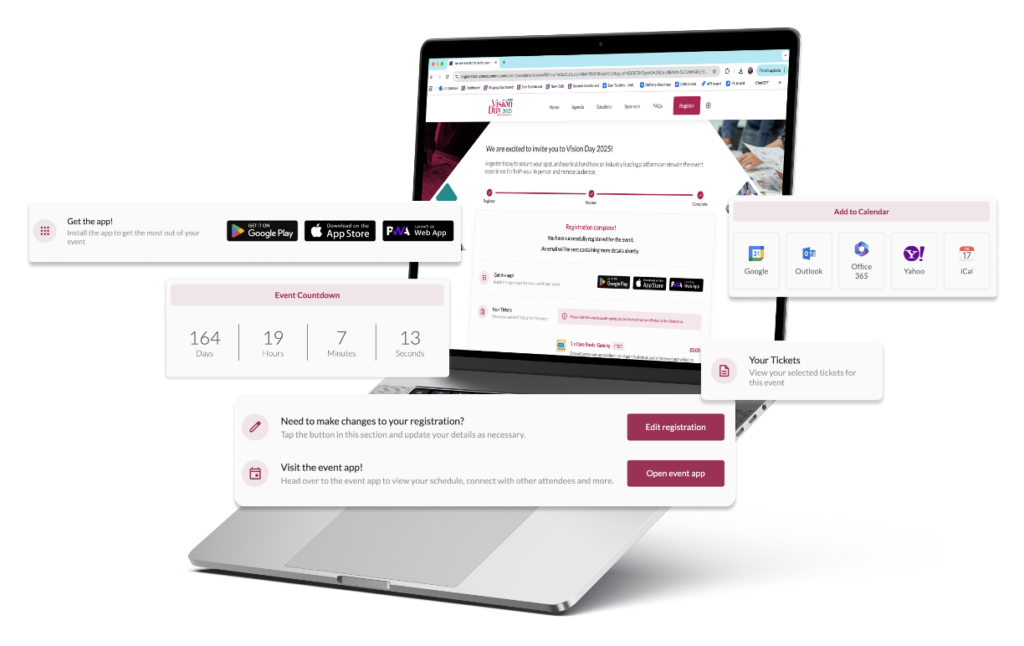
Another important feature is attendee self-service. Once someone has registered, they may need to update their details, change sessions, transfer a ticket, download an invoice or cancel their place.
Without self-service, these requests usually end up with the events team. That creates unnecessary admin, especially as the event date approaches.
Event registration software should allow attendees to manage key parts of their booking through a secure link or attendee portal. Depending on your event rules, they should be able to edit personal information, update dietary requirements, change agenda selections, add guests or access documents.
For organisers, registration management tools are equally important. Your team should be able to search attendee records, edit bookings, approve registrations, process refunds, resend confirmations, add notes and manage waitlists.
Waitlist management is especially useful for popular events. If a ticket type or session reaches capacity, the software should allow people to join a waitlist and notify them when a place becomes available.
This kind of functionality turns registration software from a simple data capture tool into an operational command centre.
8. Real-time reporting and analytics
Strong reporting is one of the clearest signs that you are using a proper event registration platform rather than just a form builder.
Your software should provide real-time visibility into registrations, attendance numbers, ticket sales, revenue, payment status, session popularity, cancellation rates and attendee demographics. This helps organisers make better decisions before the event happens.
For example, if one session is filling much faster than others, you may need a larger room. If registrations are lower than expected, you may need to increase marketing activity. If a certain campaign is generating most of your bookings, you may want to invest more in that channel.
Reporting should be easy to access and export. Event teams often need to share updates with senior stakeholders, sponsors, venues, finance teams and operations staff. A good platform should make it simple to create reports without manually building spreadsheets from scratch.
The best event registration software also supports custom dashboards, filtered reports and scheduled exports. This allows different teams to see the information that matters most to them.
Registration data should not just tell you who signed up. It should help you understand performance, forecast attendance and improve future events.
9. Onsite check-in, badging and attendance tracking
A complete event registration journey should connect smoothly with the onsite experience. If your registration platform stops at the confirmation email, your team may still face chaos at the venue.
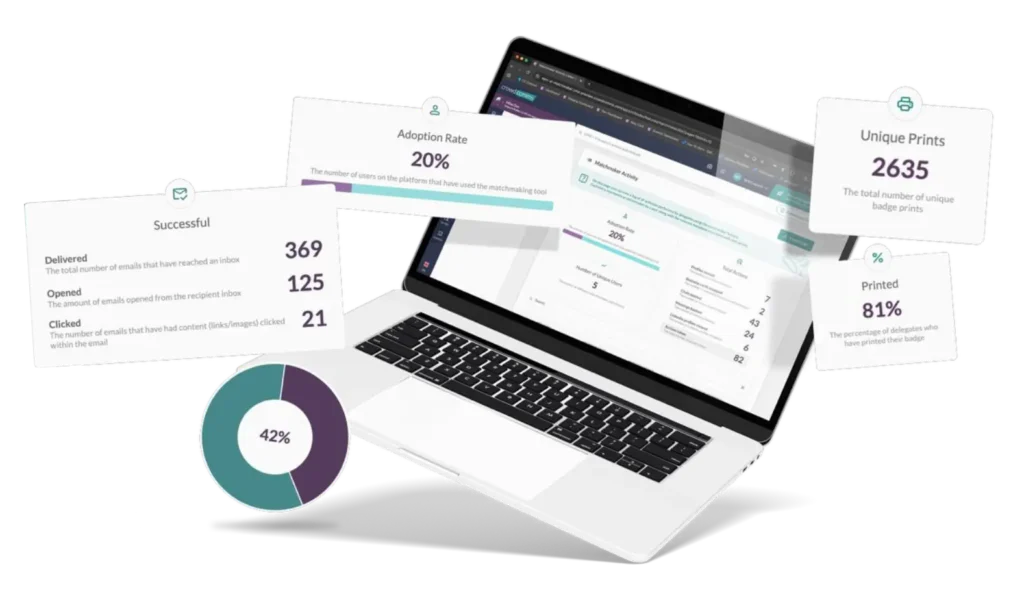
Look for event registration software that supports onsite check-in, QR code scanning, badge printing and live attendance tracking. Attendees should be able to arrive, scan a code and check in quickly. Staff should be able to see who has arrived, who is still expected and whether any issues need attention.
For larger events, badge printing is a major consideration. The system should be able to print accurate badges based on registration data, including names, companies, job titles, ticket types, access levels or QR codes.
Attendance tracking is also valuable for post-event reporting. There is a big difference between someone who registered and someone who actually attended. Your software should help you measure both.
For conferences and multi-session events, session scanning may also be useful. This allows organisers to track which sessions attendees joined, manage room capacity and understand content popularity.
When registration and onsite tools are connected, the attendee experience feels joined up. When they are disconnected, teams often rely on spreadsheets, manual searches and last-minute fixes.
10. Security, compliance and data protection
Event registration involves personal data, and sometimes sensitive data. Attendees may share contact details, payment information, accessibility requirements, dietary needs or business information. Your event registration software must handle that data responsibly.
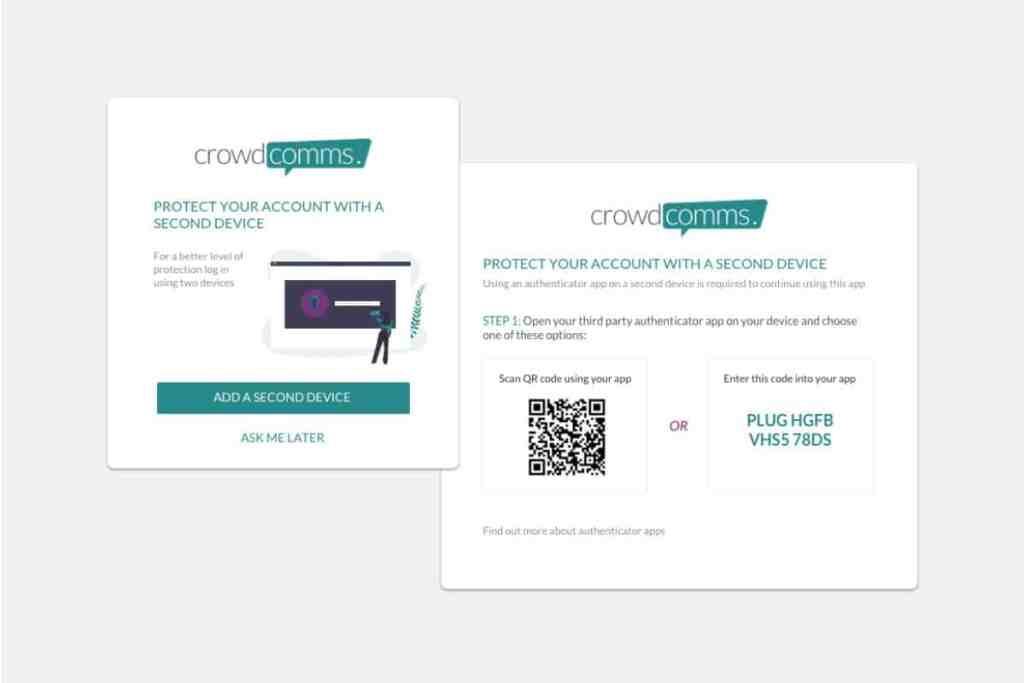
Security features should include secure payment processing, encrypted data transfer, role-based access, strong authentication and reliable data storage. Your team should be able to control who can view, edit, export or delete attendee information.
Compliance is also important. Depending on where your organisation and attendees are based, you may need to consider GDPR, consent management, privacy notices and data retention policies.
Your registration forms should make it clear how attendee data will be used. If you are asking people to opt into marketing communications, that consent should be captured properly and synced with your CRM or email platform where relevant.
Accessibility should also be part of the conversation. Registration pages should be easy to use for people with different needs, including those using screen readers or mobile devices. An inclusive registration experience helps more people access your event and reduces barriers from the start.
Trust is a feature. If attendees do not feel confident entering their information, they may not complete the registration process.
11. Scalability for different event types
The right event registration software should be able to grow with your event programme. You may only need basic registration today, but your requirements can become more complex over time.
For example, you might start with free webinars and later add paid conferences, private roundtables, awards dinners, exhibitions, roadshows or hybrid events. Each format brings different registration needs.
A scalable event registration platform should support multiple event types without requiring a rebuild every time. It should allow you to create templates, duplicate previous events, manage multiple events from one dashboard and maintain consistent branding across your programme.
This is where many organisations run into problems. They choose a simple form tool because it solves the immediate need, but later discover that it cannot handle payments, approvals, integrations, check-in or reporting. At that point, they have to rebuild their process, migrate data and retrain teams.
Choosing software with the full registration journey in mind can save painful rebuilds later.
12. How to choose the right event registration platform
When choosing event registration software, avoid focusing only on how the form looks. Instead, map the full attendee and organiser journey.
Ask what happens before registration, during registration and after registration. Consider how attendees discover the event, what information they need to provide, how they pay, what emails they receive, how their data moves into other systems and how they check in onsite.
You should also think about your internal team. Will the software reduce admin? Will it give you better reporting? Will it integrate with your existing tools? Will it support more complex events in the future?
The best event registration software should make life easier for both attendees and organisers. It should reduce friction, improve data quality, automate repetitive tasks and give your team confidence that nothing important is falling through the cracks.
A registration form is useful, but it is only one part of the picture. A true event registration platform manages the whole journey, from the first click to post-event reporting.
Final Thoughts
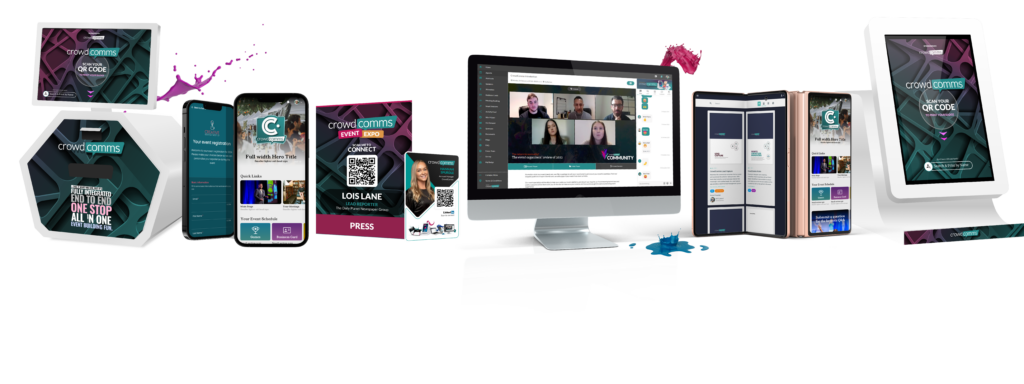
Event registration software should include far more than a basic form. It should support custom registration journeys, conditional logic, ticketing, payments, CRM sync, automated communications, attendee self-service, real-time reporting, onsite check-in, security and scalability.
When you think only about the form, you miss the bigger picture. The form captures data, but the registration journey manages the experience. That journey affects attendee satisfaction, team efficiency, data accuracy and event performance.
For simple events, a basic form may seem enough at first. But as soon as your event involves multiple ticket types, payments, audience segments, reporting needs or onsite operations, you need a more complete event registration platform.
The right software does not just collect names. It helps you deliver a smoother, smarter and more professional event from start to finish.
Ready to build a smarter event registration journey?
A basic form might collect names, but it will not manage the moving parts that make an event run smoothly. From custom registration paths and ticketing to payments, CRM integrations, attendee updates, live reporting and onsite check-in, your registration process needs to work as one connected journey.
Whether you are planning a conference, awards evening, exhibition, internal event or multi-day programme, CrowdComms gives you the tools to manage registration from the first click to the final attendee report.
Stop relying on disconnected forms and manual workarounds. Build an event registration journey that saves time, improves the attendee experience and gives your team complete control.
Speak to CrowdComms today and discover how the right event registration platform can transform your next event.
Frequently Asked Questions
A mobile event app is a mobile or web-based application that supports event attendees with agendas, engagement tools, content, notifications and interaction.
The best event app depends on your goals. For engagement-led events, specialist mobile event apps often outperform all-in-one platforms.
Attendees use event apps that are intuitive, interactive and relevant to their experience. Are event apps dead? Definitely not. Read or watch our 2025 Event Advice on event apps.
Yes, modern event platforms support in-person, hybrid and virtual attendees through mobile and web-based access.
Related Articles:
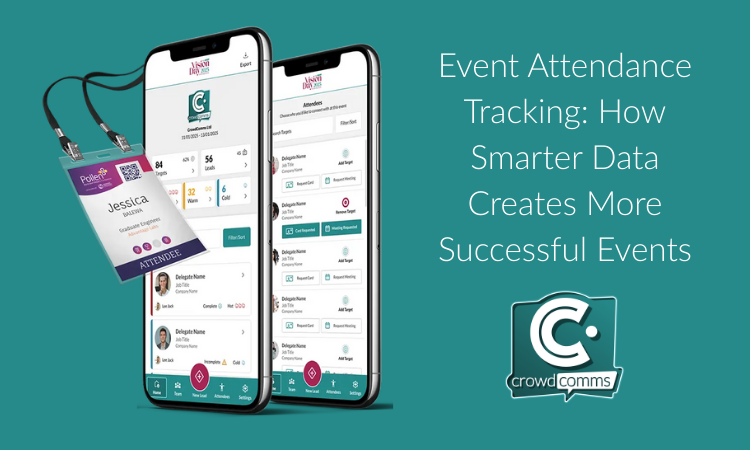
Event attendance tracking has rapidly evolved from a simple headcount to one of the most